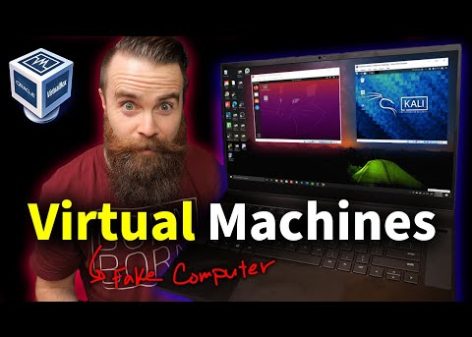
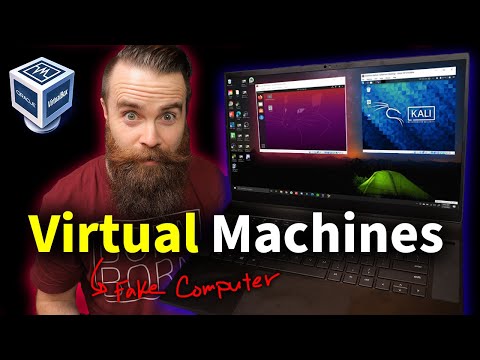
Virtual machines are an amazing tool for learning and experimenting with different operating systems, including Linux and Windows. They allow you to create a virtual computer inside your existing one, giving you the freedom to try out new things without affecting your main system. In this video, we'll show you how to set up a virtual machine using VirtualBox, a free hypervisor that's easy to use and install. We'll walk through every step of the process, from downloading and installing the necessary software to creating and configuring your first virtual machine. With virtual machines, you can try out different operating systems, learn hacking skills, or simply experiment with new technologies in a safe and isolated environment.
Introduction
The video discusses virtual machines (VMs) and how they can be used to create isolated environments for learning, hacking, or experimenting with different operating systems. The host explains that VMs are like computers inside computers and can run multiple operating systems simultaneously on a single machine.
Key Facts
- Virtual machines are amazing for learning Linux, hacking, or experimenting with different operating systems.
- A virtual machine is a computer inside a computer that thinks it’s the only real computer.
- There are two types of hypervisors: type 1 (installed directly on hardware) and type 2 (installed on an existing operating system).
- VirtualBox is a free hypervisor that can be used to create VMs on Windows, Mac, or Linux.
- To set up a virtual machine, you need a computer with sufficient CPU and RAM resources.
- You need to enable hardware virtualization support in your BIOS (Basic Input/Output System) settings.
- Virtual machines can run multiple operating systems simultaneously, including Windows, Linux, and macOS.
- VMs are isolated environments that don’t affect the host machine’s operating system.
- You can pause, reset, or close a virtual machine, and even take snapshots of its state.
- VirtualBox allows you to share files between the host machine and the guest OS.
Conclusion
The video concludes by emphasizing the importance of learning about virtual machines and how they can be used in various fields such as hacking, system administration, and cloud engineering. The host encourages viewers to try out virtualization technology and provides resources for further learning.