Source of this article and featured image is TechCrunch. Description and key fact are generated by Codevision AI system.
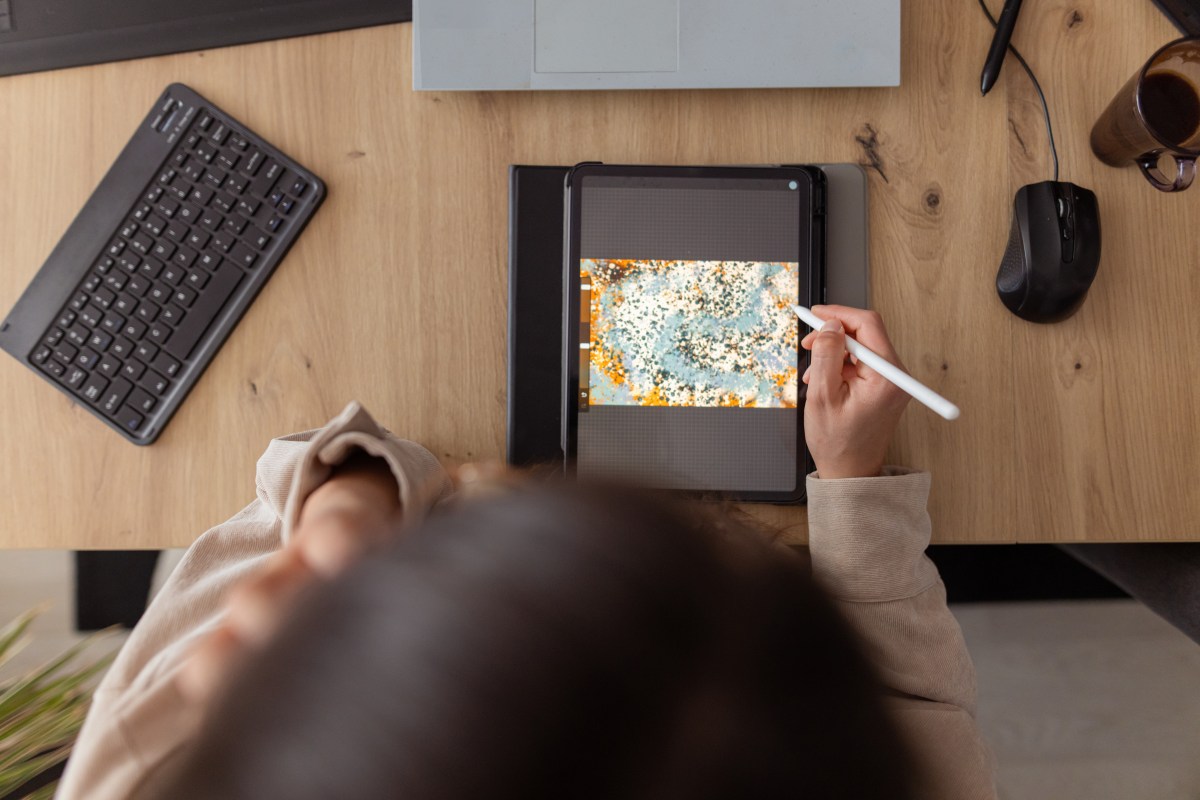
The article highlights top iPad apps for creative expression, emphasizing their versatility in digital art, video editing, and design. It showcases apps like Procreate for drawing, LumaFusion for video projects, and Canva for graphic design, while noting their unique features such as AI tools and customizable workflows. The list excludes Adobe apps, focusing instead on lesser-known alternatives. Each app is described with pricing details and key functionalities, catering to both beginners and professionals. The guide provides a curated selection to help users enhance their creative potential on iPad devices.
Key facts
- Procreate offers high-resolution canvases up to 16K by 8K and features like QuickShape and ColorDrop for creative workflows.
- LumaFusion supports 4K ProRes video editing with advanced audio tools and multiple aspect ratio options.
- Canva provides AI-driven design tools, over 250,000 templates, and free access to basic features with premium subscriptions.
- Affinity Designer 2 combines vector, pixel, and retouching tools, supporting Apple Pencil precision and custom font creation.
- Concepts enables sketching and design with intuitive tools like Nudge, Slice, and realistic brush simulations for precise adjustments.
TAGS:
#AI design #creativity tools #design software #digital art #graphic design #iPad apps #mobile creativity #tablet apps #video editing